
Choosing the right CMS (Content Management System) theme for your business website is a critical decision that can impact user experience, branding, and overall success. With so many options available, it’s essential to understand what factors to consider before making your choice. Here’s a guide to help you find the best CMS theme for your business website.
1. Understand Your Business Needs
Before selecting a theme, define your business goals and website requirements. Ask yourself:
- What is the purpose of my website? (e.g., eCommerce, portfolio, blog, corporate site)
- What features are essential? (e.g., product display, booking system, blog integration)
- Who is my target audience, and what kind of user experience do I want to offer?
2. Prioritize Mobile Responsiveness
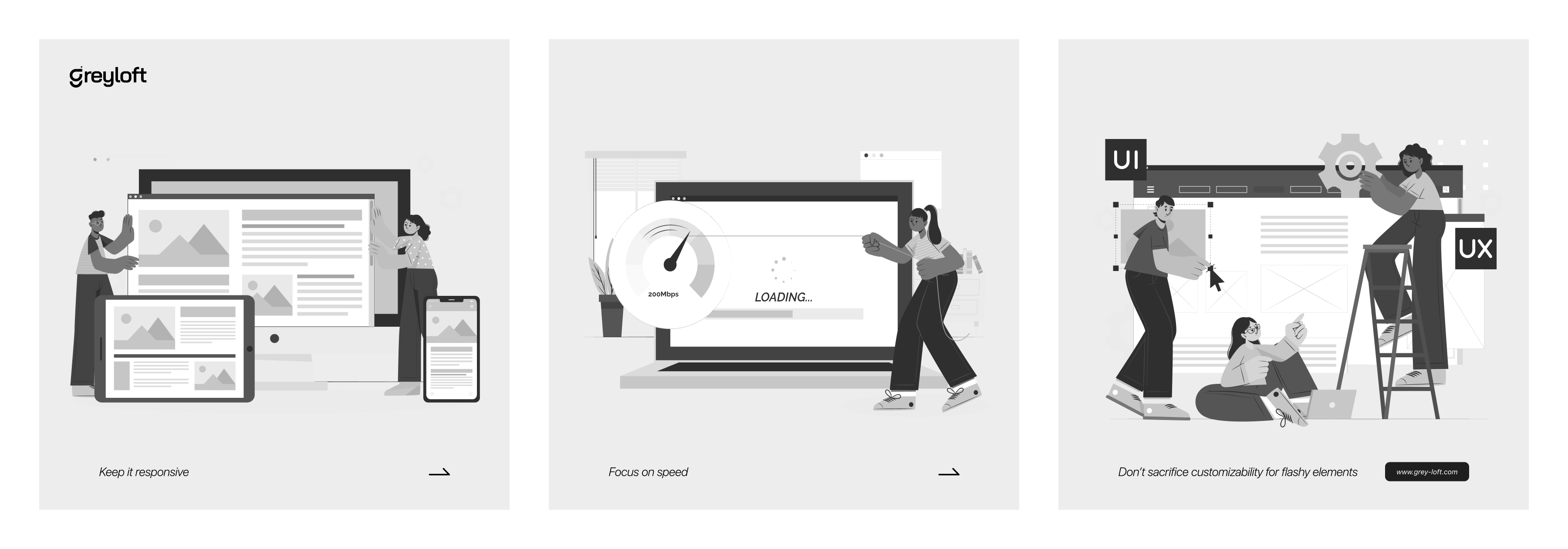
With mobile traffic surpassing desktop usage, your theme must be fully responsive. A mobile-friendly theme ensures that your site looks and functions well across different screen sizes, improving user experience and SEO rankings.
3. Look for Customization Options
A flexible theme allows you to personalize the design, colors, fonts, and layouts without extensive coding. Check if the theme offers:
- Drag-and-drop builders
- Custom widgets and sections
- Compatibility with third-party plugins and integrations
4. Evaluate Speed and Performance
A slow website can frustrate users and harm search engine rankings. Choose a theme that is lightweight and optimized for speed. Test the theme’s demo version using tools like Google PageSpeed Insights or GTmetrix to assess loading times.
5. Ensure SEO Friendliness
SEO-friendly themes help improve your website’s visibility on search engines. Look for themes that offer:
- Clean, optimized code
- Proper HTML structure
- Schema markup support
- Fast loading times
6. Check Browser Compatibility
Your website should work seamlessly across all major browsers, including Chrome, Firefox, Safari, and Edge. Always test the theme’s compatibility before finalizing your choice.
7. Security and Regular Updates
A secure theme helps protect your website from vulnerabilities. Choose a theme that:
- Receives frequent updates and security patches
- Has a reliable support team
- Comes from a reputable developer or marketplace
8. Consider eCommerce Readiness (If Needed)
If you plan to sell products online, ensure the theme is compatible with eCommerce plugins like WooCommerce (WordPress), Shopify, or Magento. Look for features like:
- Product galleries
- Shopping cart functionality
- Secure payment integrations
9. Read Reviews and Check Support
User reviews can provide valuable insights into a theme’s quality, performance, and support. Choose a theme with positive feedback and an active support team that can assist with troubleshooting and updates.
10. Budget and Licensing
Some themes are free, while others require a one-time purchase or subscription. Consider your budget and check whether the theme:
- Offers value for money
- Provides necessary features without extra costs
- Has a clear licensing policy
Conclusion
Selecting the right CMS theme is a crucial step in building a successful business website. By prioritizing responsiveness, customization, speed, SEO, security, and support, you can find a theme that aligns with your business goals and enhances user experience.
Do you need help selecting or building a custom theme? Reach out to Greyloft today!


